Inspections for rental assistance programs — Housing Quality Standards (HQS) and, increasingly, NSPIRE — are a core program requirement. NSPIRE has since replaced HQS across the housing programs on a published schedule; our piece on the NSPIRE deadline CoC and ESG received without standards covers what that means operationally. They help confirm that rental units are safe, sanitary, and suitable for occupancy, while also creating a shared record of a unit’s condition and amenities that protects participants, landlords, and administering agencies.
Padmission Journey now includes a native mobile inspections application, available through both the Apple App Store and Google Play, designed to support this work within existing housing assistance program administration. Inspection teams can complete required unit inspections in the field as part of established program workflows, then sync results back to Journey, upload photos, schedule reinspections when needed, and communicate outcomes to relevant contacts.
Inspections are assigned through Journey and made available on mobile devices for field completion. This capability sits alongside eligibility, payments, and compliance work already managed in Journey, without changing who conducts inspections or how inspection determinations are made.
How the System Responds to Field Conditions
The only thing predictable about performing inspections is that they are unpredictable. Inspectors move between units, buildings, and neighborhoods with time constraints, varying levels of connectivity, and documentation requirements.
A native mobile inspections app responds to these conditions by allowing inspection assignments to be pulled onto a device in advance and completed without relying on a live data connection.
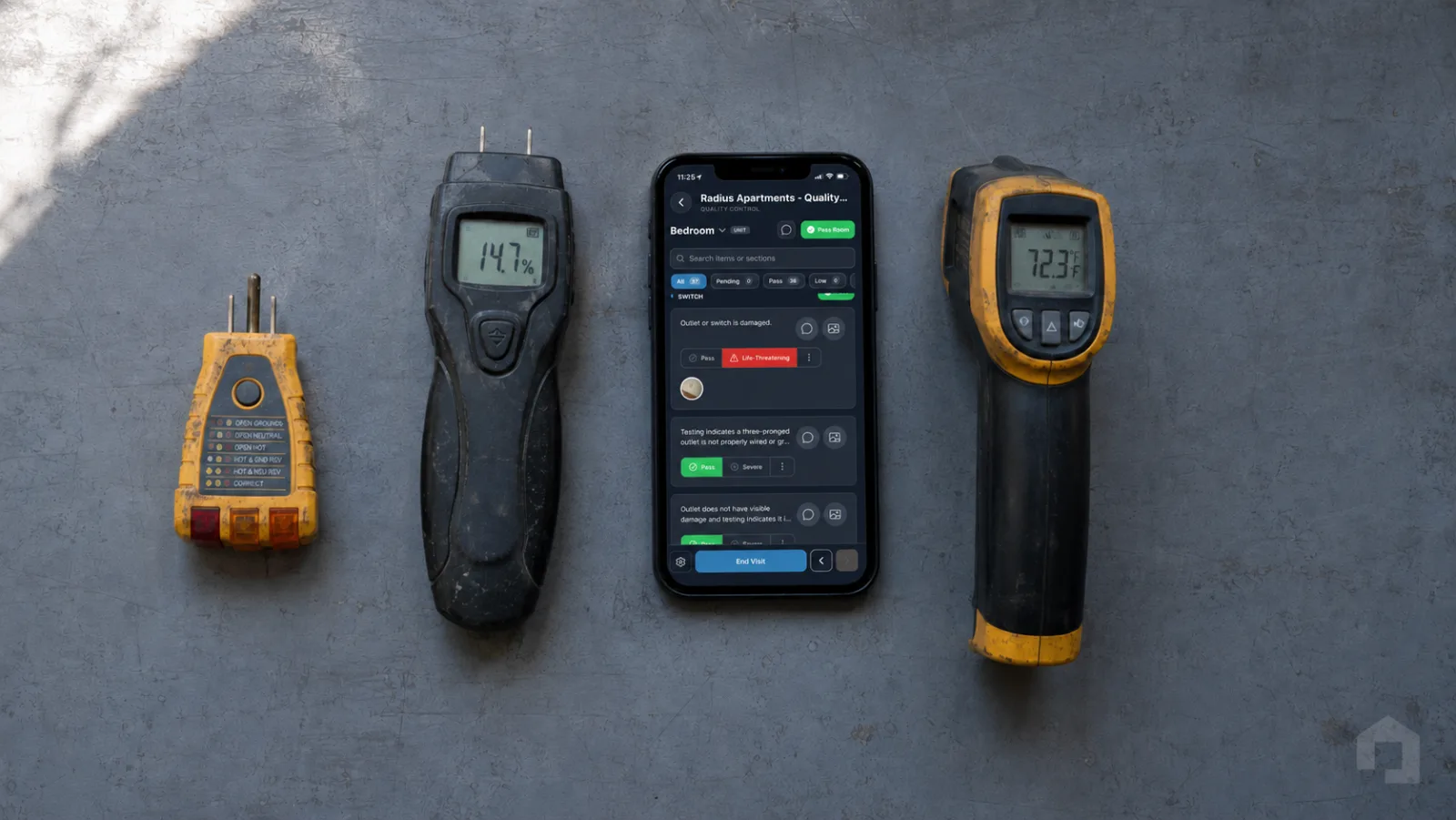
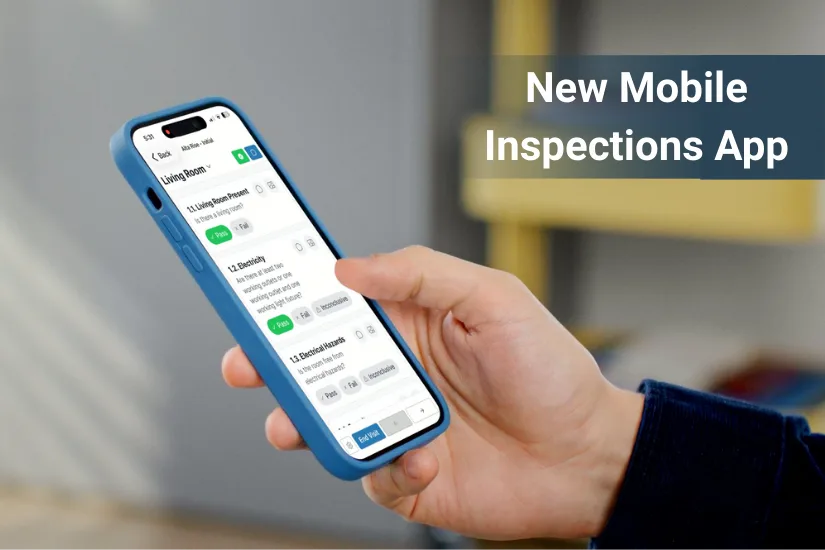
During a visit, inspectors document unit conditions using an intuitive sequence of inspection items, add notes through voice-to-text, and capture photos tied directly to rooms and inspection elements — all in a single app.
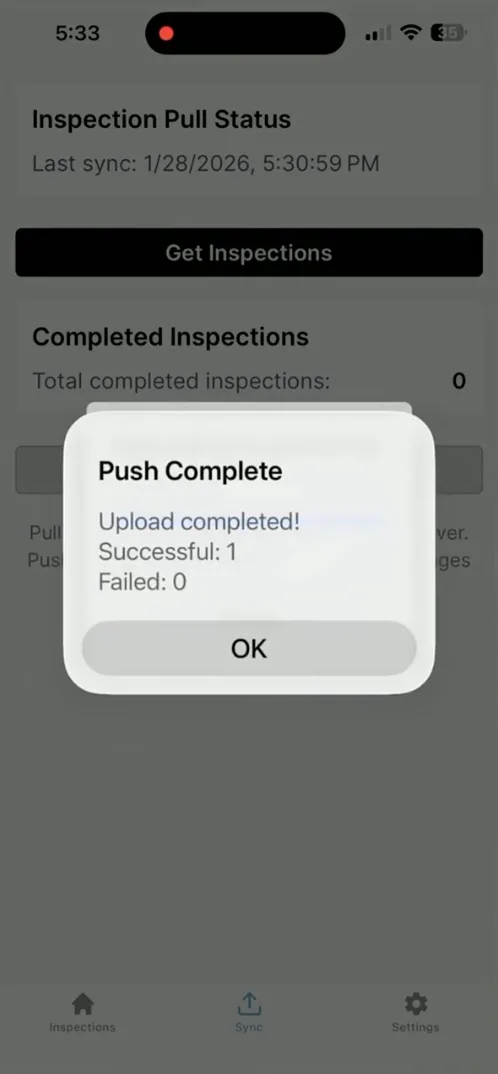
The ability to take consecutive photos within the inspection workflow reduces interruptions during the visit and limits the need to reconcile and associate images after the fact. When a device reconnects, completed inspections can be uploaded to Journey and the next step in tenancy is initiated.
Supporting Day-to-Day Inspection Work
In daily practice, inspection teams are responsible for accurate documentation, clear records, and alignment with program requirements. Mobile inspections support this work by consolidating inspection activity into a single system used throughout housing program administration.
Inspectors document what they observe as they move through a unit, with notes, photos, and inspection outcomes remaining connected to the correct household and program record. This reduces follow-up questions, limits clarification between teams, and avoids re-entering information later. Decisions about inspection outcomes remain agency-led while the system maintains a consistent and reviewable record of what was documented in the field.
By keeping inspection work connected to the broader administrative workflow, teams spend less time managing artifacts of the process and more time completing the inspection itself.
App Features
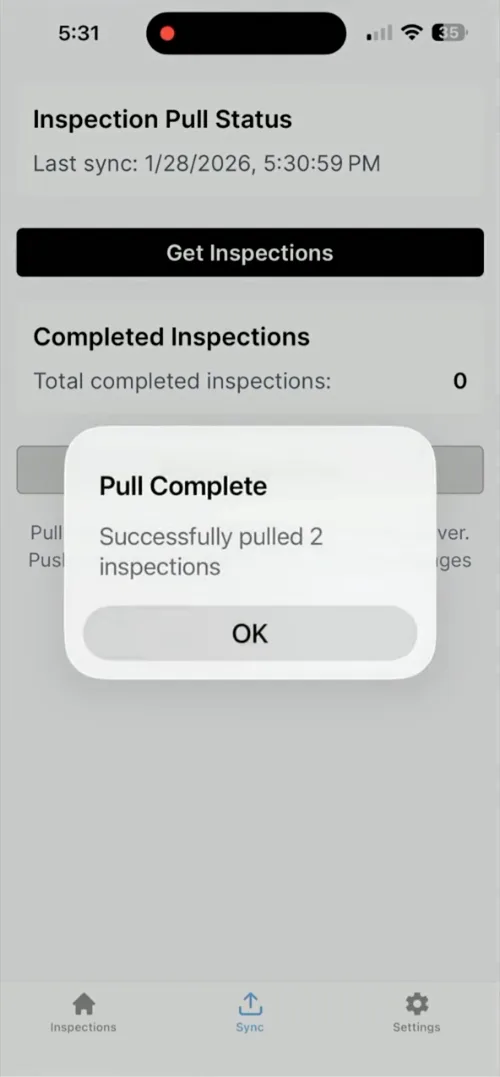
Inspectors can pull inspections that have been assigned to them.
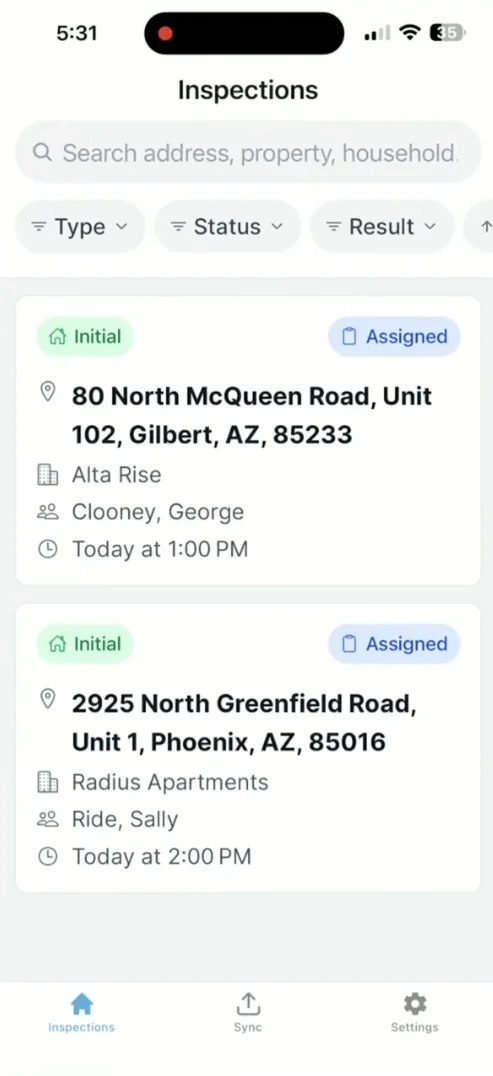
Easily sort through inspections in the scheduled order, by result type, or inspection type.
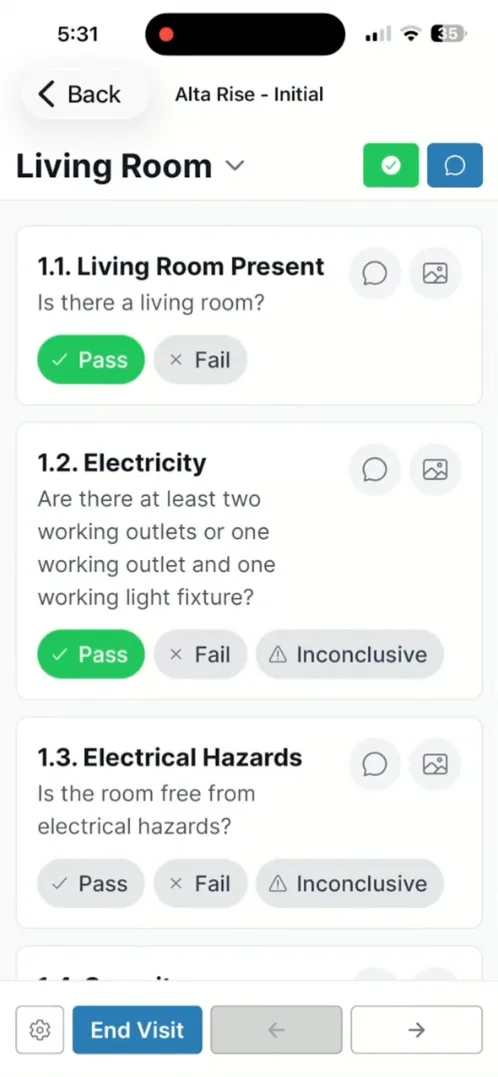
Quickly navigate between rooms and items.
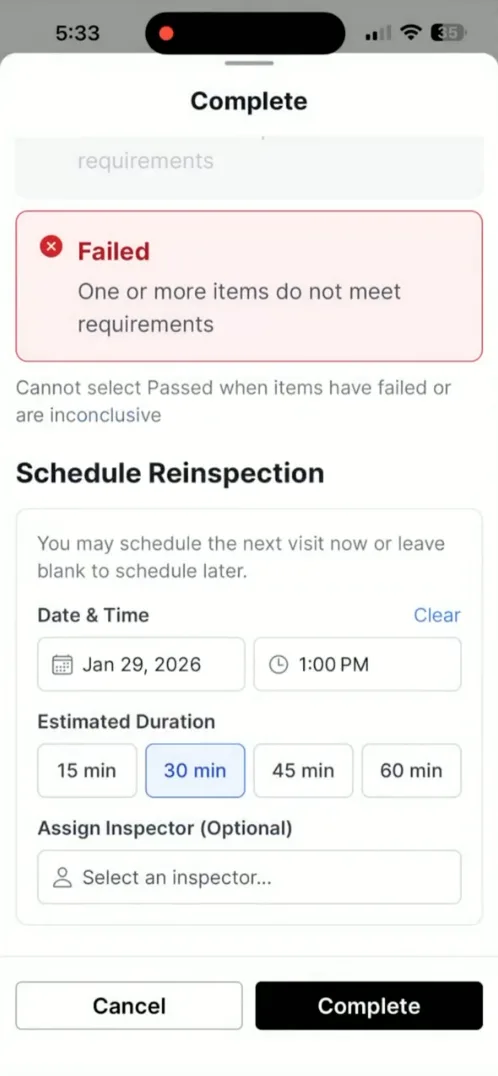
Schedule and assign reinspections as needed inline with ending the inspection.
See the summary of the inspection visit including how many items passed and failed, by severity.
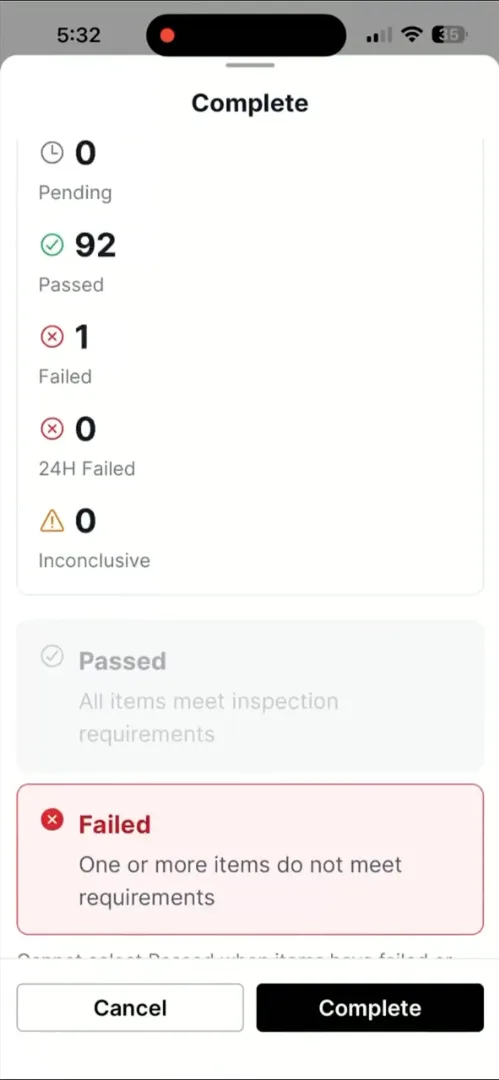
Push inspection results, photos, and emails when a data connection is available.
Simplifying and Enhancing Rental Assistance Administration
Mobile inspections extend Journey’s shared administrative infrastructure into the field, aligning on-site work with the same standards of consistency, visibility, and accountability used elsewhere in the platform. The capability reflects an existing system condition: administrative work does not stop at the office, and tools must support staff wherever the work occurs.
Rather than changing how inspections are governed or reviewed, mobile inspections keep field documentation connected to program administration in a way that supports collaborative partnership and oversight without adding complexity.
Explore related resources to learn how inspections, compliance tracking, and program administration work together within Padmission Journey. Schedule a walkthrough to see the mobile inspections app in action.